
- Navigate to https://cft.clearlyrated.com/
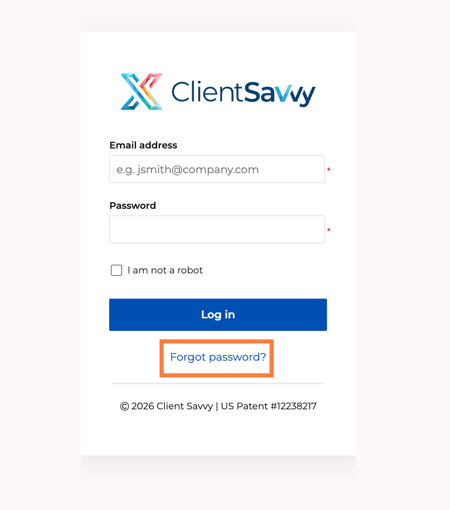
- Click Forgot password?
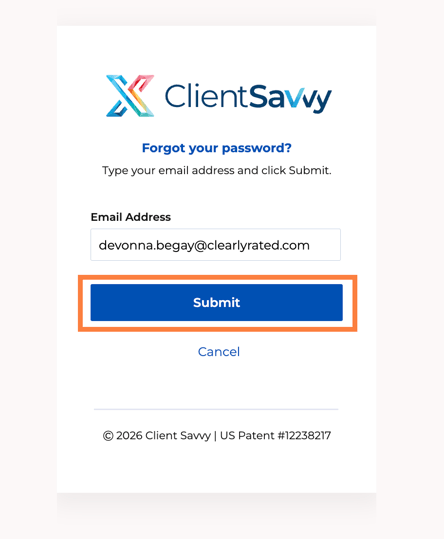
- Enter your email address and click Submit
- An email will be sent to your email inbox.
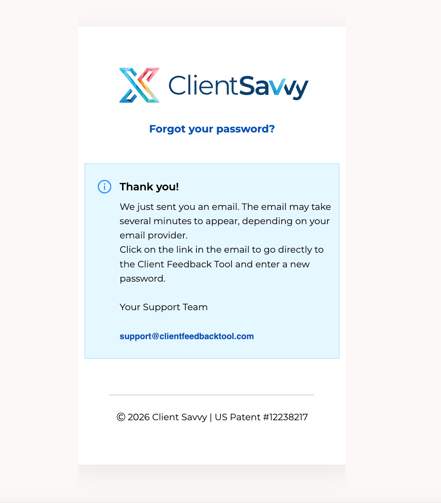
- This page will confirm that an email has been sent to your inbox.
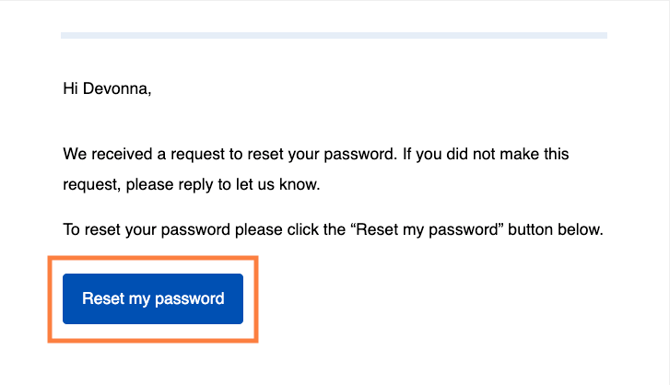
- Check your email inbox. You will receive an email that looks like this:
- Click Reset my password
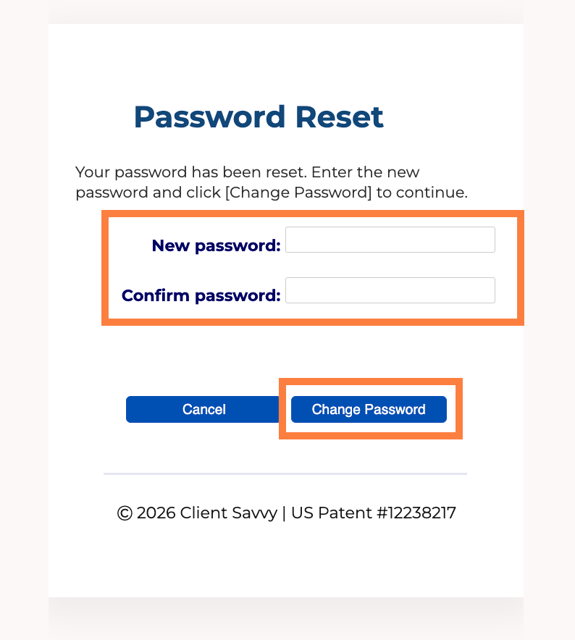
- A page will appear to enter your new password
- Enter it twice and click Change Password
- Now you can navigate back to https://cft.clearlyrated.com/cft
-
- Log in with the new password that you reset.
- If you continue to have issues, please contact us by emailing support@clearlyrated.com
-