
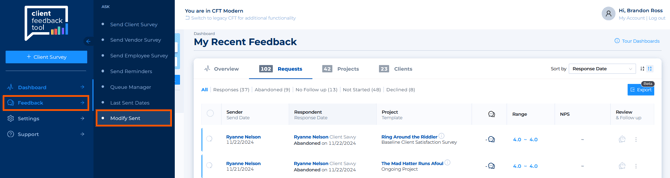
- In the Dashboard, expand the left-hand navigation column and select Feedback, then select Modify Sent.
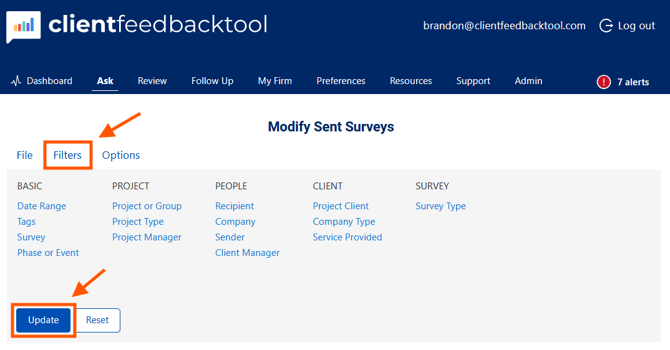
- Set the filter(s) necessary to display the appropriate survey(s) you are wanting to modify. Once filters are identified, select Update.
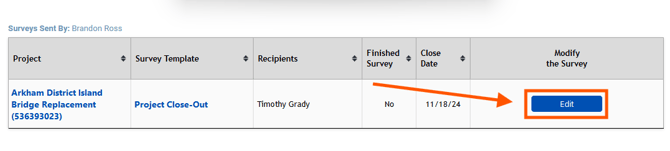
- When the window refreshes, select Edit.
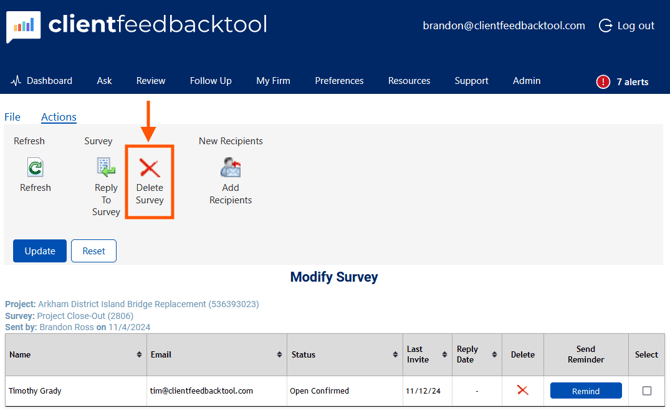
- Select Delete Survey in the options under Actions.
- Finished.
Note: The Survey Sender can delete a survey for which there is no response. Only a Firm Manager (FM) or Firm Administrator (FA) can delete a survey with data in it. Taking this action should be carefully considered prior to deletion.